

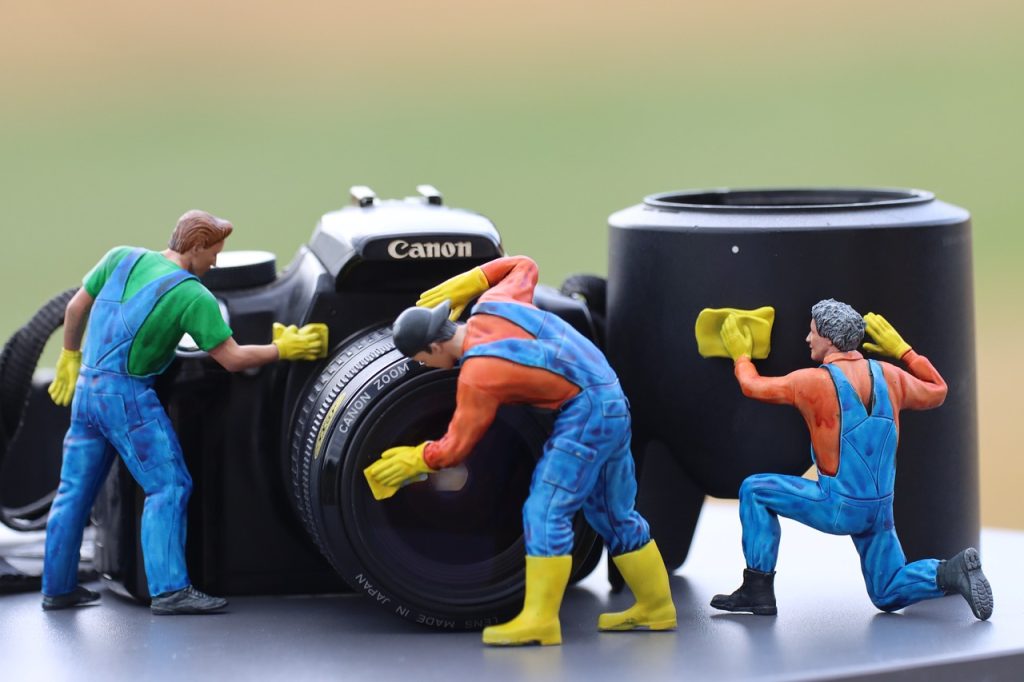
Photographic cameras are exposed to various threats that can affect their performance and quality. Therefore, cleaning them is an essential task to maintain the quality of your photographs and prolong the lifespan of your equipment.
The Main Threats You Face
- Fungus: Fungus is a common problem in humid and warm environments. It can grow on lenses and other internal parts of the camera, causing spots and affecting image quality. To prevent fungus formation, it’s important to keep your equipment in a dry and well-ventilated place. If you live in a high-humidity area, consider using dehumidifiers or silica gel containers where you store your camera. Also, avoid storing the camera in cases or bags without ventilation, as this can promote fungus growth.
- Humidity: Humidity can be detrimental to the camera’s electronic components, such as circuits and connectors. It can also cause corrosion on metal contacts. If your camera is exposed to humid environments, it’s advisable to use waterproof covers or cases. After a photography session in high humidity conditions, make sure to carefully dry the camera before storing it. Use soft and absorbent cloths to remove any traces of moisture.
- Dust: Dust is a constant threat to cameras as it can accumulate on the surface of lenses and other components, affecting image quality. To prevent dust buildup, it’s recommended to keep the camera covered when not in use, either with a lens cap or a body cap. Additionally, avoid changing lenses in dusty environments and regularly clean the lenses with a soft and appropriate cloth.
Tips for Proper Cleaning

- Clean the lens: The lens is a critical part of the camera and requires special attention. Use an air blower or a soft brush to remove dust and loose particles. If there are stains or fingerprints on the lens, use a clean microfiber cloth lightly dampened with a specific lens cleaning solution. Apply the liquid to the cloth and then clean the lens in gentle circular motions. Avoid directly spraying liquid onto the lens to prevent damage to internal components.
- Clean the exterior: Start by cleaning the camera’s exterior with a soft, dry cloth. Gently remove dust and stains, avoiding applying too much pressure.
- Clean the sensor: The sensor is a sensitive part of the camera and requires caution when cleaning it. If you notice spots on your photographs, you may need to clean the sensor. It’s recommended to consult your camera’s manual for specific instructions on how to access and clean the sensor. If you’re not comfortable doing it yourself, it’s best to take the camera to a specialized service center.
- Remove dust from the mirror and viewfinder: The mirror and viewfinder can also accumulate dust and affect image quality. Use an air blower to gently blow dust from these areas. Avoid touching the mirror or viewfinder with your fingers, as it could leave fingerprints or damage them. Keep in mind that if dust has entered the camera’s interior and affected the sensor, it’s best to take it to a specialized service center for professional cleaning.
- Store your equipment properly: When you’re not using your camera, store it in a protective bag or case to prevent dust and dirt accumulation. Also, avoid exposing it to extreme temperature and humidity conditions.

Remember that camera cleaning should be done regularly but with care to avoid damaging delicate components. If you have any specific cleaning concerns, it’s advisable to consult your camera’s manual or seek assistance from an authorized service center. By keeping your camera clean and in good condition, you’ll be able to capture sharp and high-quality images at all times.


